
Desktop Folder - Organize File
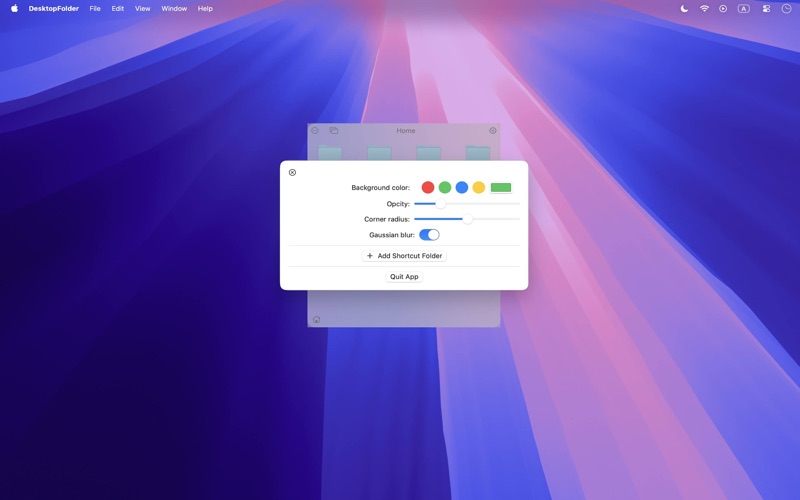
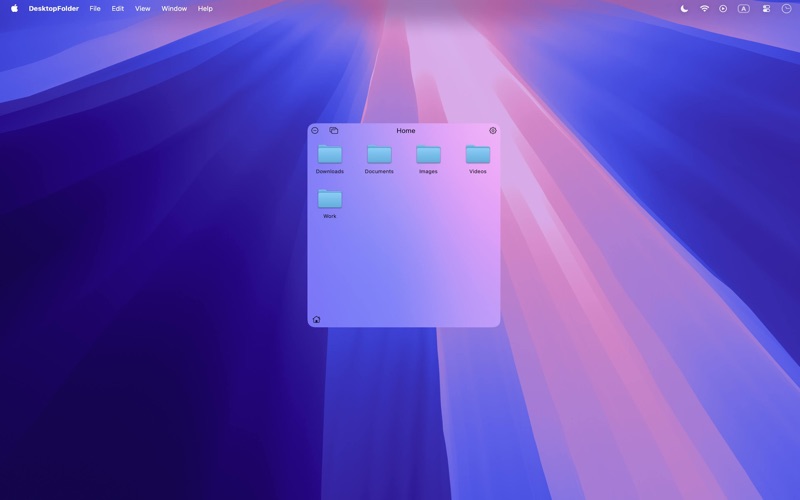
Read our review of Desktop Folder - Organize File for macOS. Learn how this lightweight utility simplifies folder access and declutters your Finder.
The Challenge of Finder Clutter on macOS
For many macOS users, maintaining an organized workspace is a constant battle. As projects pile up, we often find ourselves digging through nested Finder windows or cluttering our screens with dozens of aliases. Desktop Folder - Organize File offers a streamlined solution to this common productivity bottleneck by allowing users to bookmark and launch their most critical directories directly from the desktop environment.
How Desktop Folder - Organize File Streamlines Your Workflow
Developed by 裕涛 兰, this lightweight utility is designed specifically for the macOS platform. Instead of navigating complex folder hierarchies every time you need to retrieve a document, the app lets you register your frequently used folders once. From that point forward, they are accessible instantly, saving valuable seconds throughout your workday.
Key Features and Practical Benefits
- Direct Desktop Bookmarking: Pin your active project directories directly to your desktop workspace for immediate access.
- Simplified Multi-Folder Management: Easily organize and toggle between multiple bookmarked locations without cluttering your system dock.
- Native macOS Design Language: The application integrates seamlessly with the clean aesthetic of macOS, feeling like a natural extension of the operating system.
- Resource-Friendly Performance: Operating quietly without cluttering your menu bar, the tool ensures your system resources remain dedicated to your primary tasks.
Who Is This Desktop Organizer For?
If you are a creative professional, developer, or administrative worker who constantly jumps between various project folders, Desktop Folder - Organize File is built for your workflow. It is particularly beneficial for those who prefer a minimalist desktop but still require quick, direct pathways to localized data assets without the friction of traditional Finder searches.
Our Editorial Verdict
While macOS offers built-in ways to manage shortcuts, they often lead to visual clutter or require navigating through multiple menus. This utility solves that specific pain point with elegance and simplicity. By focusing purely on folder bookmarking, it provides a distraction-free enhancement to native file management.
Ready to optimize your desktop navigation? You can explore and acquire this utility on the Official Mac App Store.