


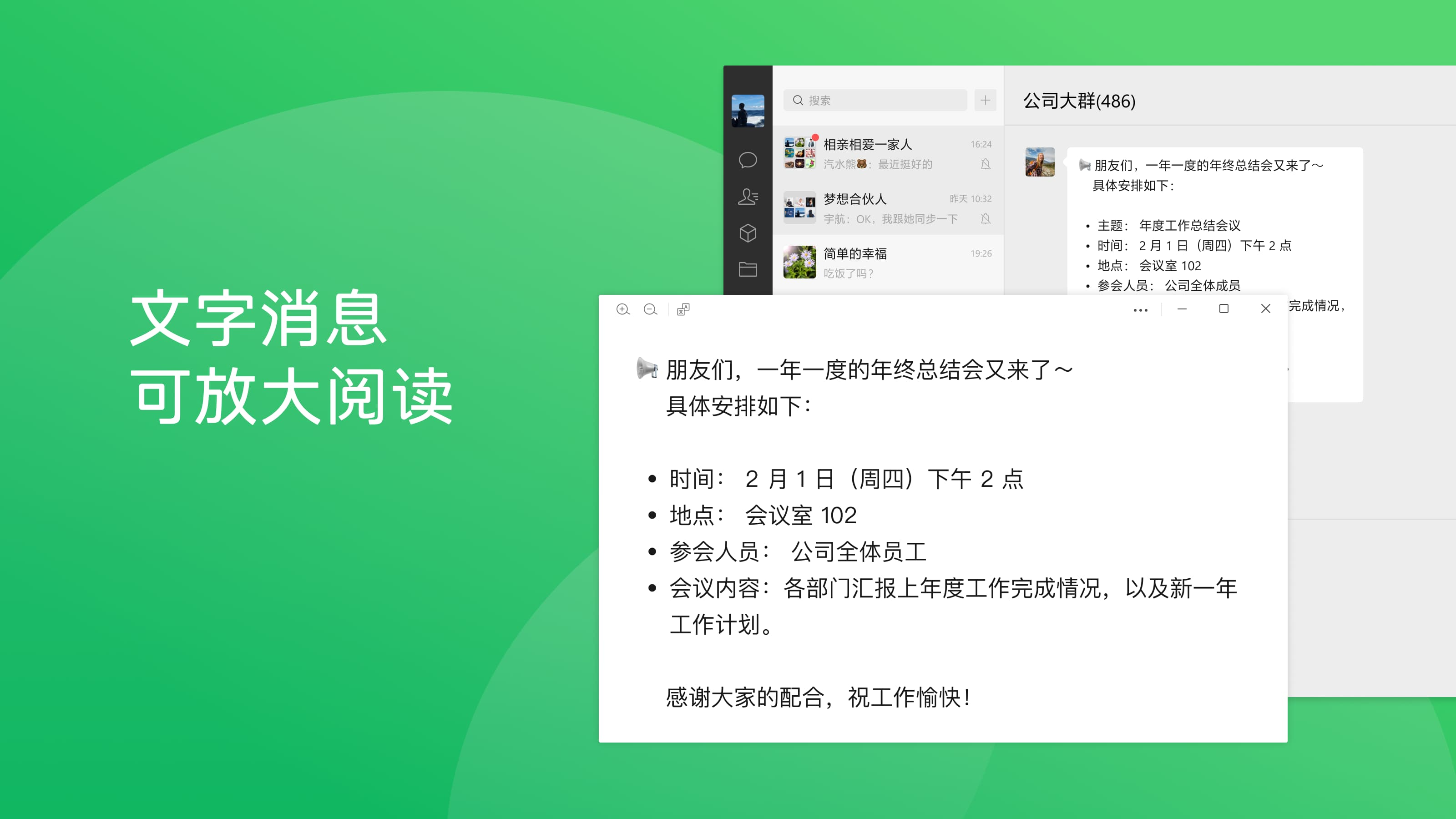
Read our comprehensive review of WeChat on Linux. Discover how this powerful messaging and calling app helps you stay connected with friends and family.
A Practical Look at WeChat Messaging and Calling on Linux
Staying connected across different platforms can sometimes be a challenge, especially for Linux users. The WeChat messaging and calling app brings one of the world's most popular communication networks to your desktop environment. Originally developed by Tencent, this application serves as a vital bridge for keeping in touch with colleagues, family, and friends who rely on this ecosystem for their daily communication.
While this particular version runs as a Linux wrapper, it offers a functional desktop experience that saves you from constantly checking your phone. Let's dive into what you can actually do with this setup and how it fits into your daily workflow.
Key Capabilities of the WeChat Messaging and Calling App
For those who need to maintain an active presence on the platform, having a dedicated desktop interface offers several practical advantages:
- Direct Desktop Messaging: Type out long messages comfortably using your physical keyboard rather than a mobile screen.
- Voice and Video Connectivity: Access the core WeChat messaging and calling app features to initiate or receive calls directly from your Linux workstation.
- Seamless File Sharing: Drag and drop documents, images, and PDF files from your local system directly into your chat windows.
- Uncluttered Interface: Focus entirely on your conversations without the distraction of unrelated mobile notifications.
Who Is This Linux Setup For?
If you are a professional collaborating with international partners, an expat keeping up with family back home, or a developer working within the Linux ecosystem, having native access to your chats is incredibly convenient. Instead of relying on web browser tabs that can easily get lost or closed, this dedicated client keeps your communication channel organized and easily accessible.
Important Considerations for Linux Users
Because this package is a community-supported wrapper rather than an officially packaged release directly from Tencent, users should expect a straightforward, web-based container experience. It provides the essential chat and media features you need for daily operations, though some advanced mobile-only features like localized digital wallets may not be fully integrated into the desktop environment.
Our Verdict: A Convenient Connection Tool
For Linux users who require reliable access to their main communication hub, this desktop wrapper for the WeChat messaging and calling app delivers exactly what is needed: reliable, keyboard-friendly messaging and direct calling utilities. It eliminates the friction of switching devices during a busy workday.
To try it out for yourself, visit the official Flathub store page to learn more and get started with the setup process on your system.