

Opera GX
Discover how the Opera GX gaming browser optimizes your system resources, integrates chat apps, and elevates your overall Linux gaming setup in our review.
Why Gamers Are Switching to a Specialized Web Browser
For years, PC enthusiasts have faced the same frustrating dilemma: leaving a web browser open in the background while gaming inevitably drains system memory and tanks frame rates. The Opera GX gaming browser solves this exact pain point. Instead of letting your browser hijack your computer's hardware, this specialized software gives you absolute authority over how much power it is allowed to consume, ensuring your gameplay remains fluid and uninterrupted on Linux.
Granular Performance Controls
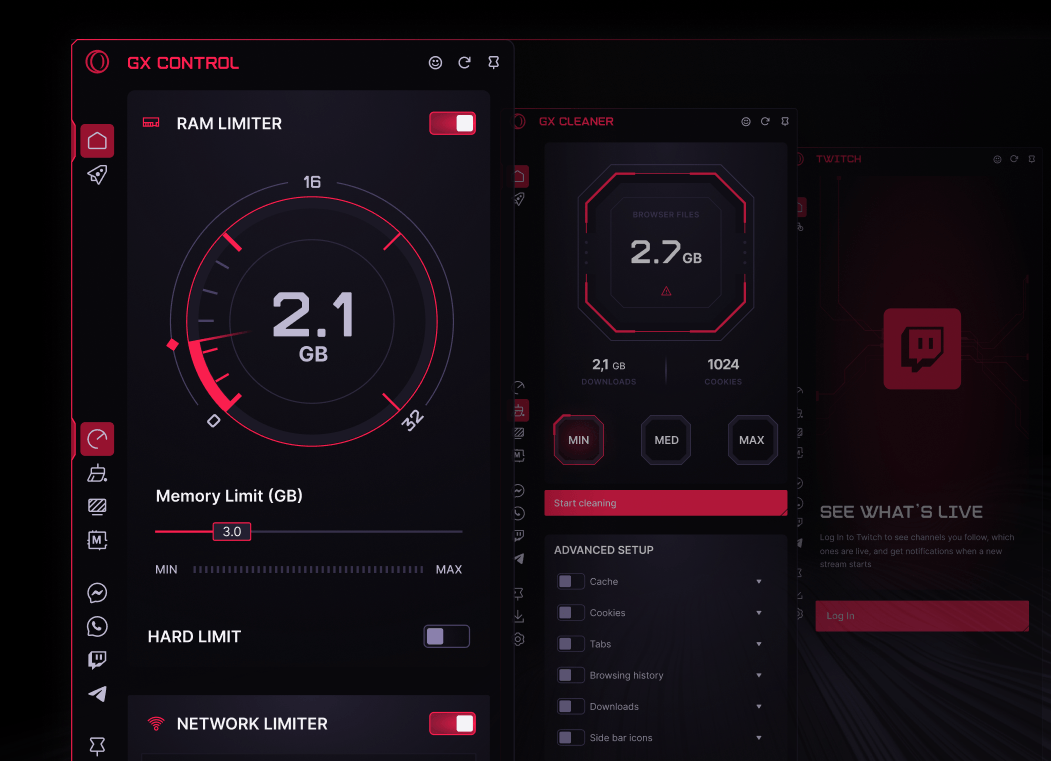
The standout achievement of the Opera GX gaming browser lies in its dedicated resource management suite. Rather than relying on automatic background suspension, the platform offers manual, hard limits:
- GX Control: Easily cap your RAM and network bandwidth usage so your active game always receives priority routing.
- Hot Tabs Killer: Quickly identify and terminate resource-heavy background tabs that are slowing down your machine.
- GX Cleaner: Purge temporary cache files, cookies, and digital junk with a single click to maintain a lightweight footprint.
Seamless Sidebar Integration & Customization
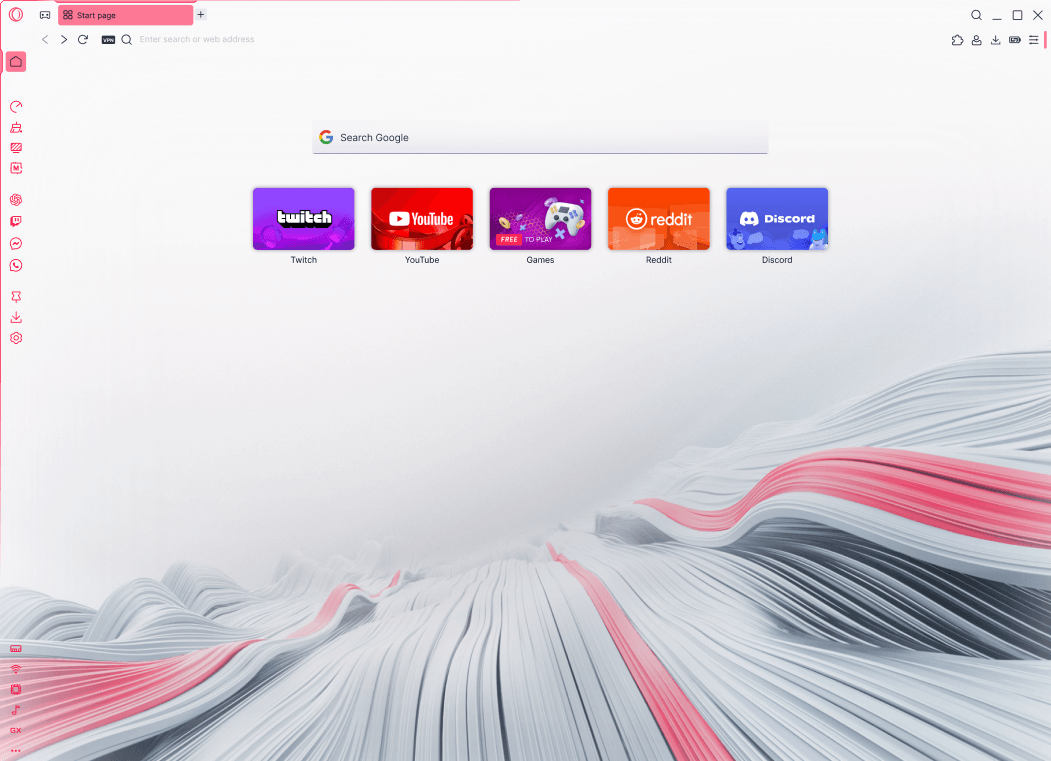
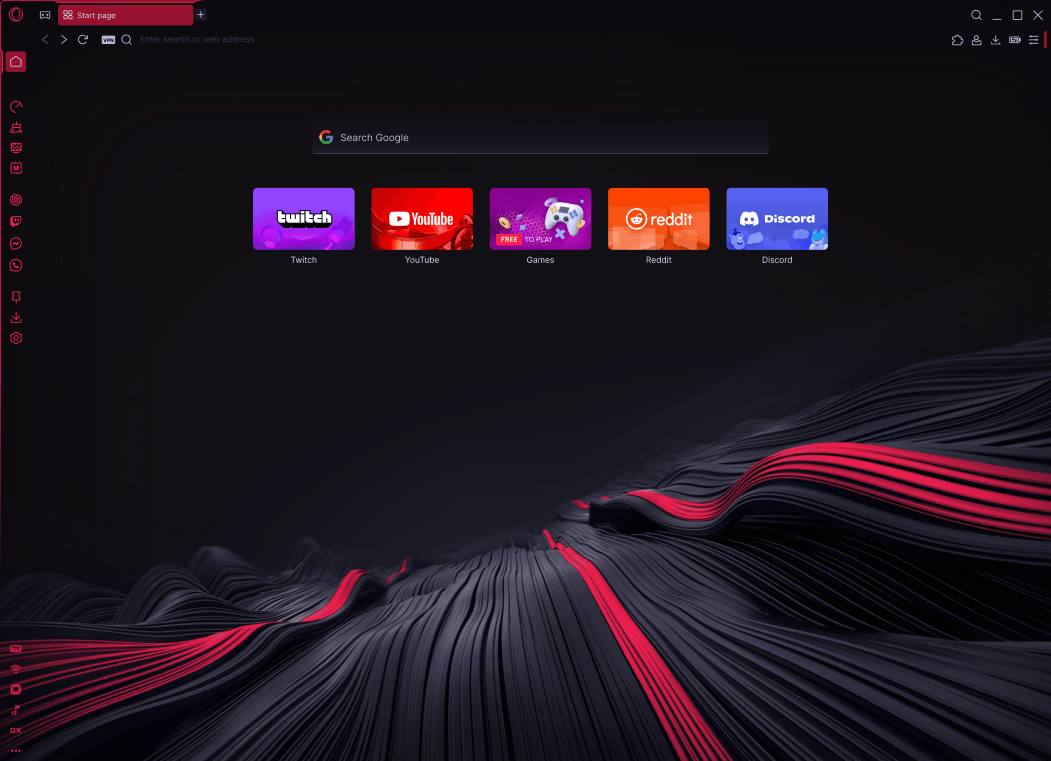
Beyond resource management, this platform serves as an all-in-one command center. The integrated sidebar keeps you connected to your communities without forcing you to open separate desktop applications. Native integrations for Discord, Twitch, WhatsApp, Bluesky, and Telegram mean you can coordinate with your guild or stream chat directly inside the browser interface. Additionally, a built-in media player supports Spotify and YouTube Music for effortless soundtrack management.
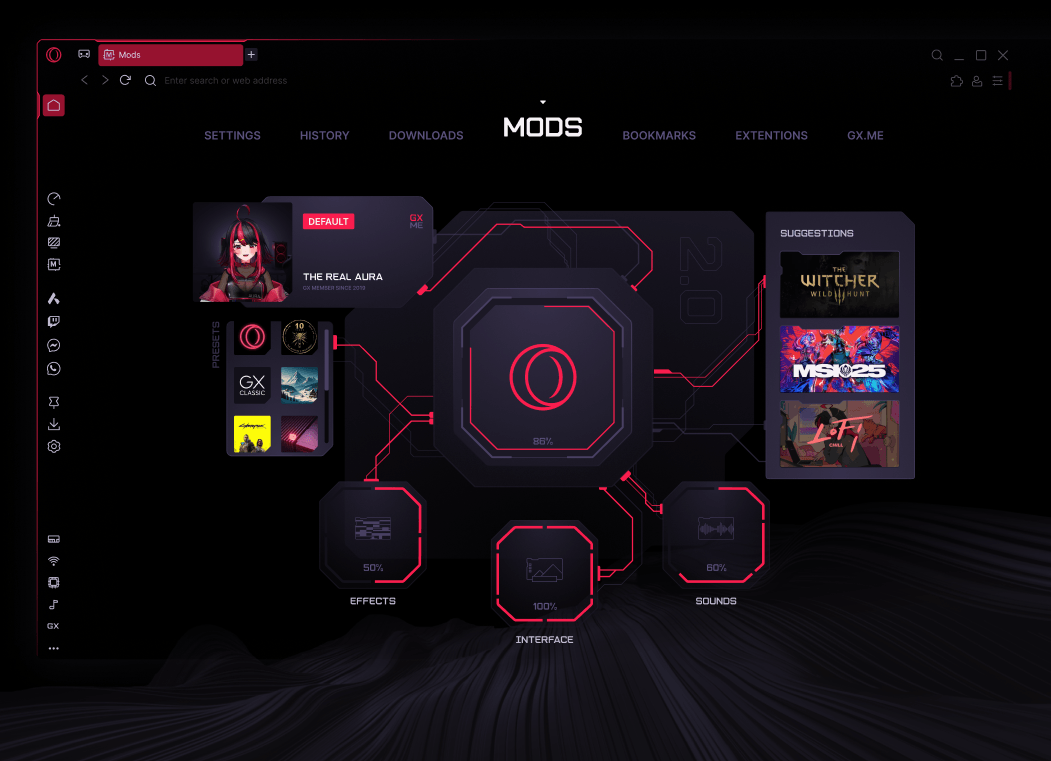
Visual customization is equally deep. Through the GX Store, users can install custom mods, wallpapers, shaders, and dynamic sound effects to match their physical battlestation aesthetics. For those who value privacy, the browser includes a built-in free VPN, ad blocker, and a handy Panic Button (F12) to instantly mask your active session if needed.
An Organized, AI-Enhanced Workspace
This browser is not just for leisure; it is an incredibly capable productivity tool. It features Aria, a built-in browser AI assistant designed to answer queries on the fly. Organization is handled via Tab Islands, Workspaces, and Split Screen browsing, making it simple to segment your gaming, streaming, and daily work tasks into clean, manageable views.
Is This the Right Browser for Your Linux Setup?
If you are tired of standard browsers choking your system memory during intense gaming sessions, the Opera GX gaming browser offers the precise control you need. It successfully bridges the gap between high-performance utility and everyday web browsing. To experience these optimization tools firsthand, head over to the official Flathub store page to explore and install the application on your Linux system.