Typing For Kids — Type words fast
Discover how Typing For Kids — Type words fast helps young learners master touch typing. Read our detailed review of this educational Windows program.
The Challenge of Modern Digital Literacy for Children
In an era dominated by digital screens, quick and accurate keyboarding is no longer an optional skill—it is a fundamental academic necessity. Many children rely on the inefficient 'hunt and peck' method, which slows down their schoolwork and hinders their digital expression. Typing For Kids — Type words fast addresses this exact challenge by providing a structured, engaging, and age-appropriate touch typing curriculum designed specifically for young minds.
What is Typing For Kids — Type words fast?
Developed by Improvisionapps for the Windows platform, Typing For Kids — Type words fast is an interactive educational application tailored for children aged 7 to 12. It functions as a comprehensive self-education tool that guides kids from their very first keystrokes to fluid, ten-finger typing without ever looking down at the keyboard.
Key Features of the Program
- Guided Interactive Lessons: An appealing, friendly virtual teacher guides young learners through every step, keeping them motivated and focused.
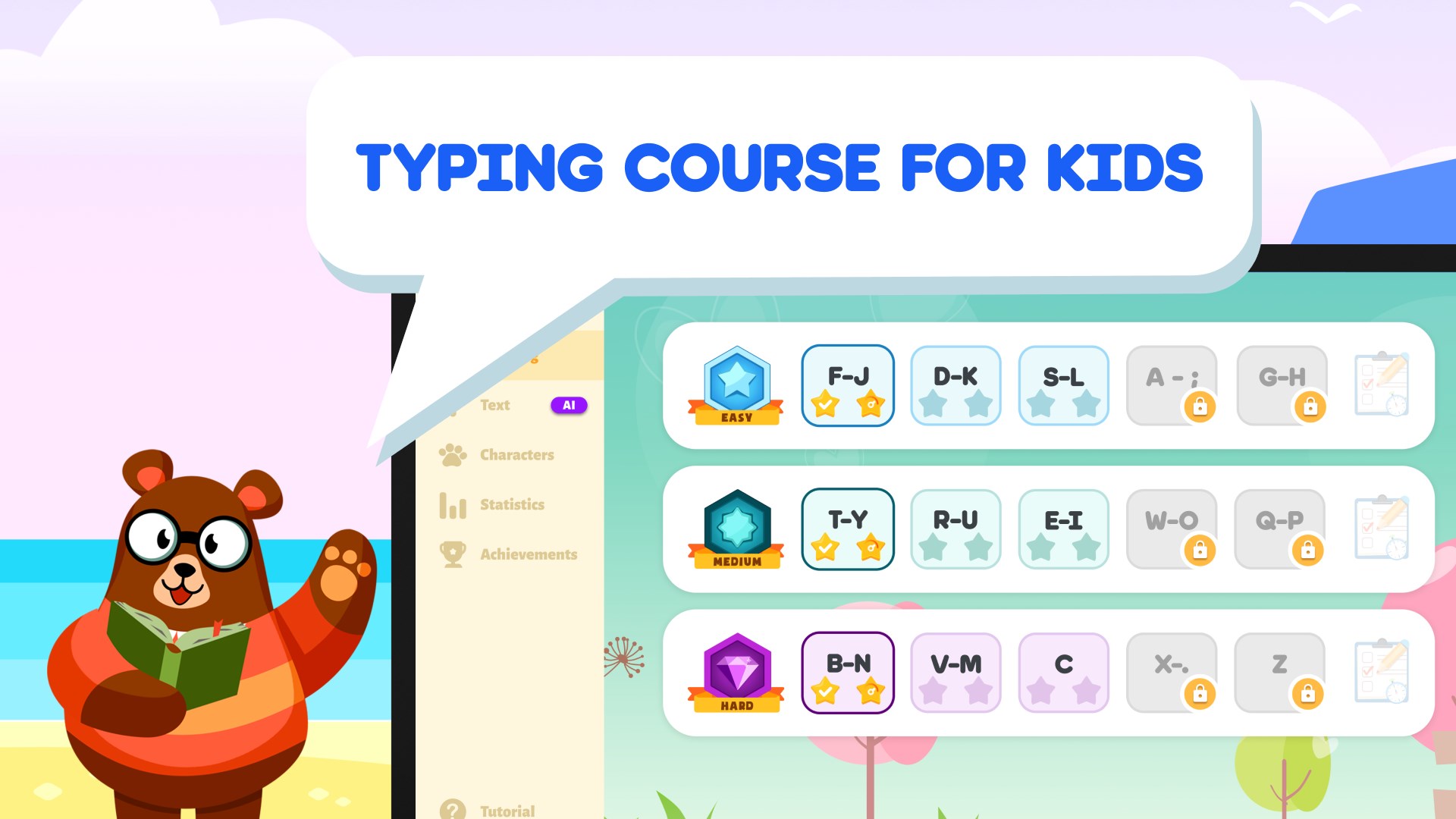
- Comprehensive Typing Drills: Structured exercises cover all letters of the alphabet, ensuring muscle memory is built systematically.
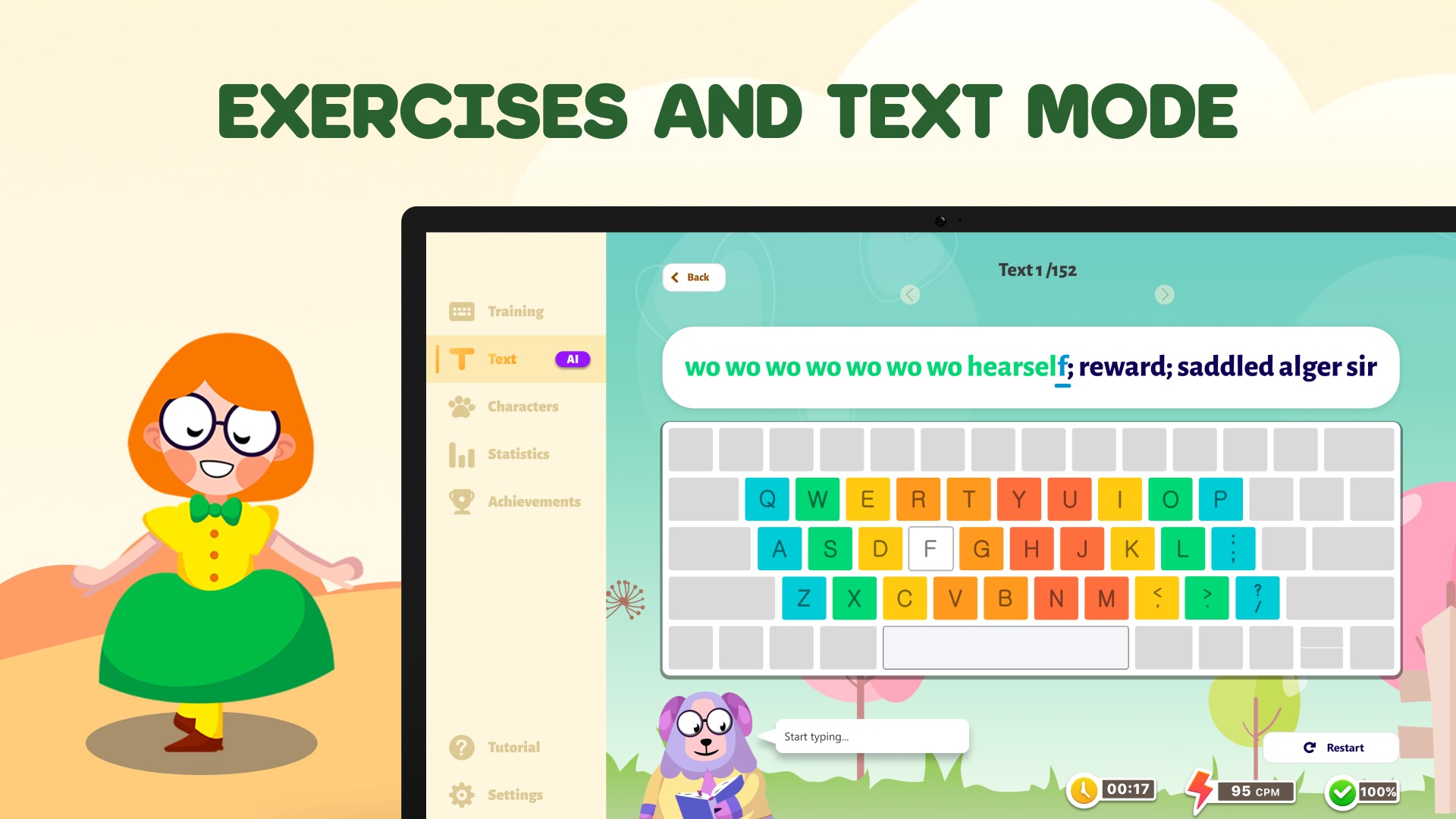
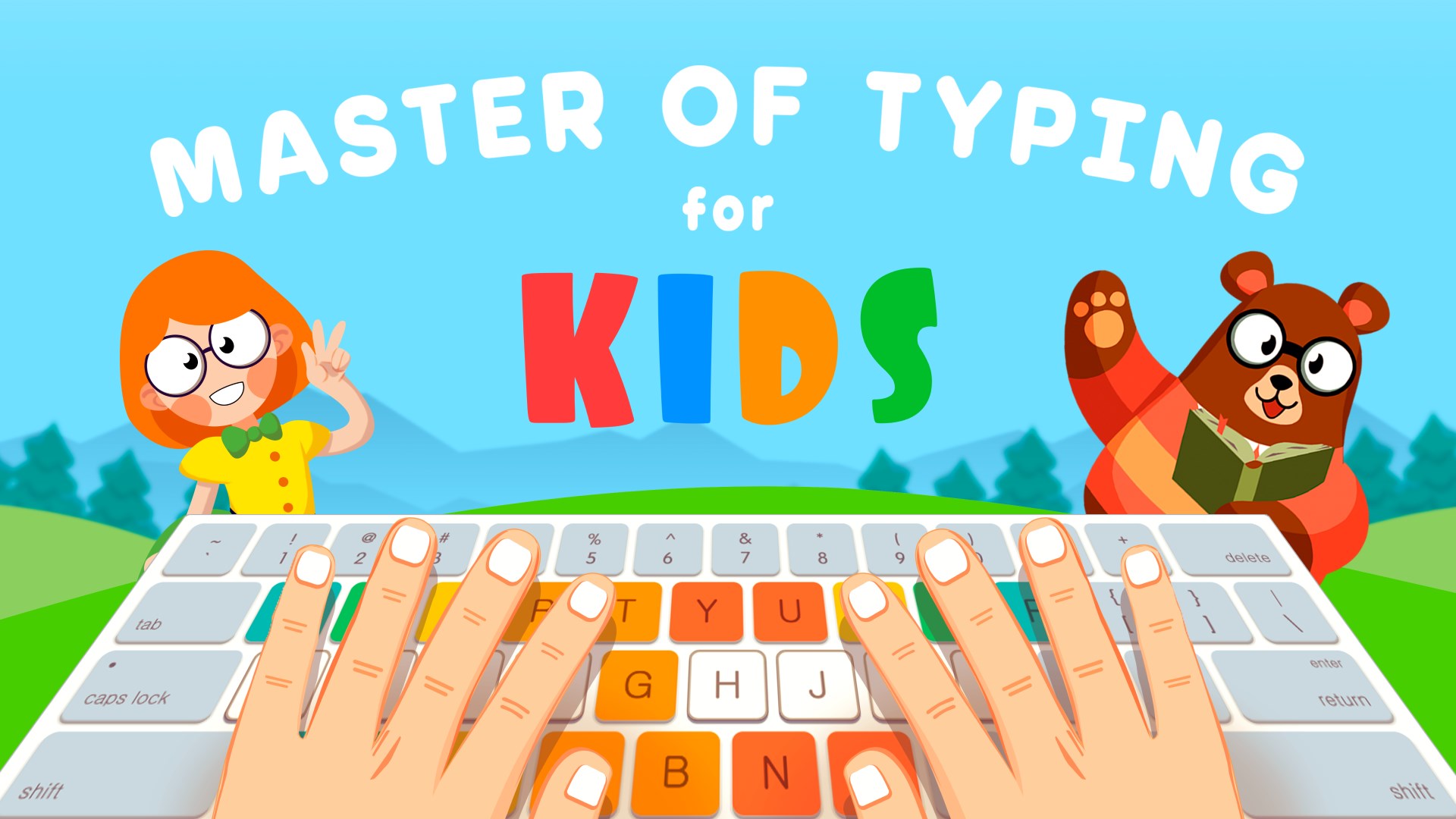
- Color-Coded Keyboard Layout: An intuitive visual guide helps children associate specific fingers with the correct keys effortlessly.
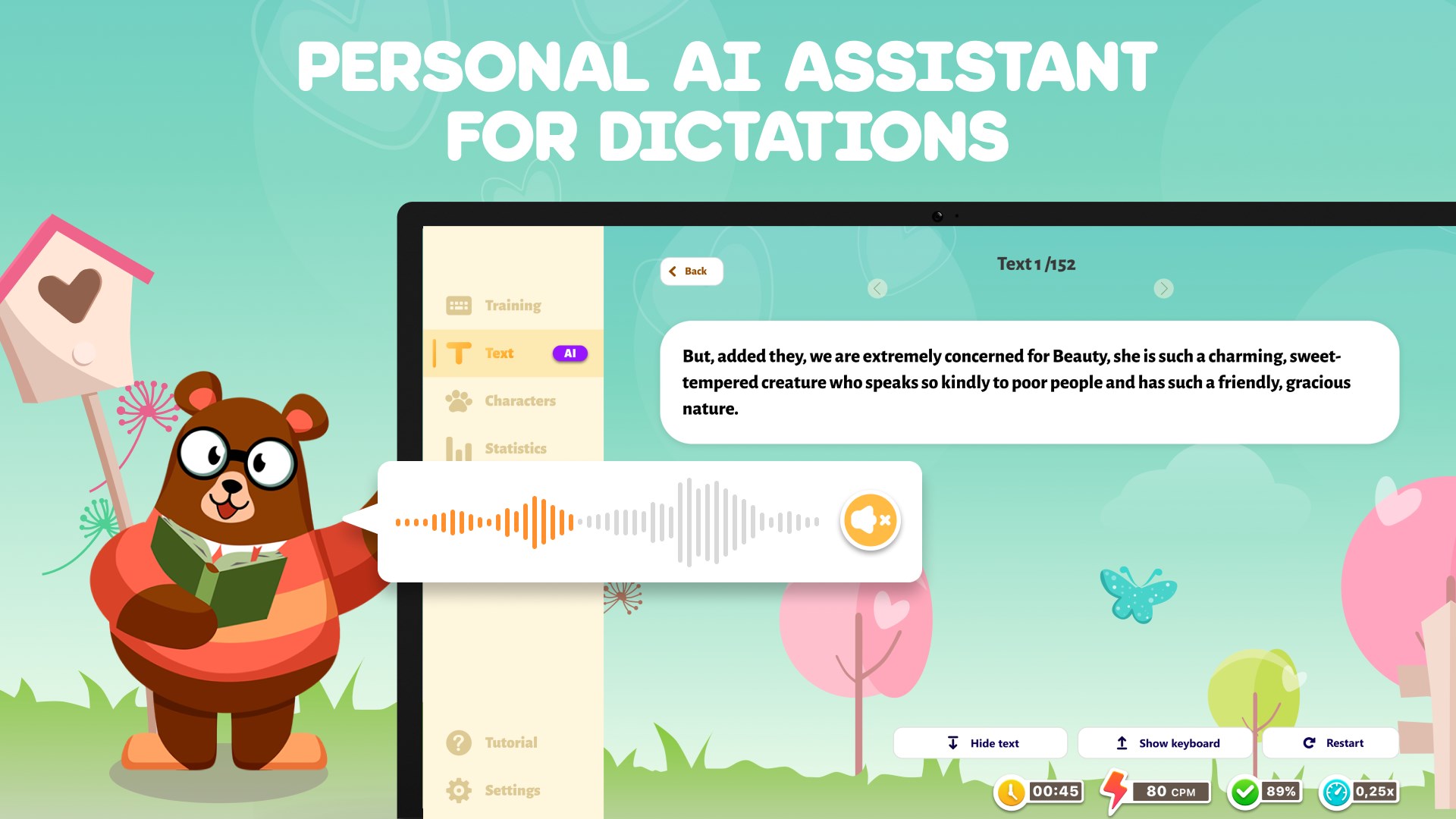
- AI-Powered Dictations: A personal AI assistant dictates words, helping children practice real-time translation of spoken words to typed text.
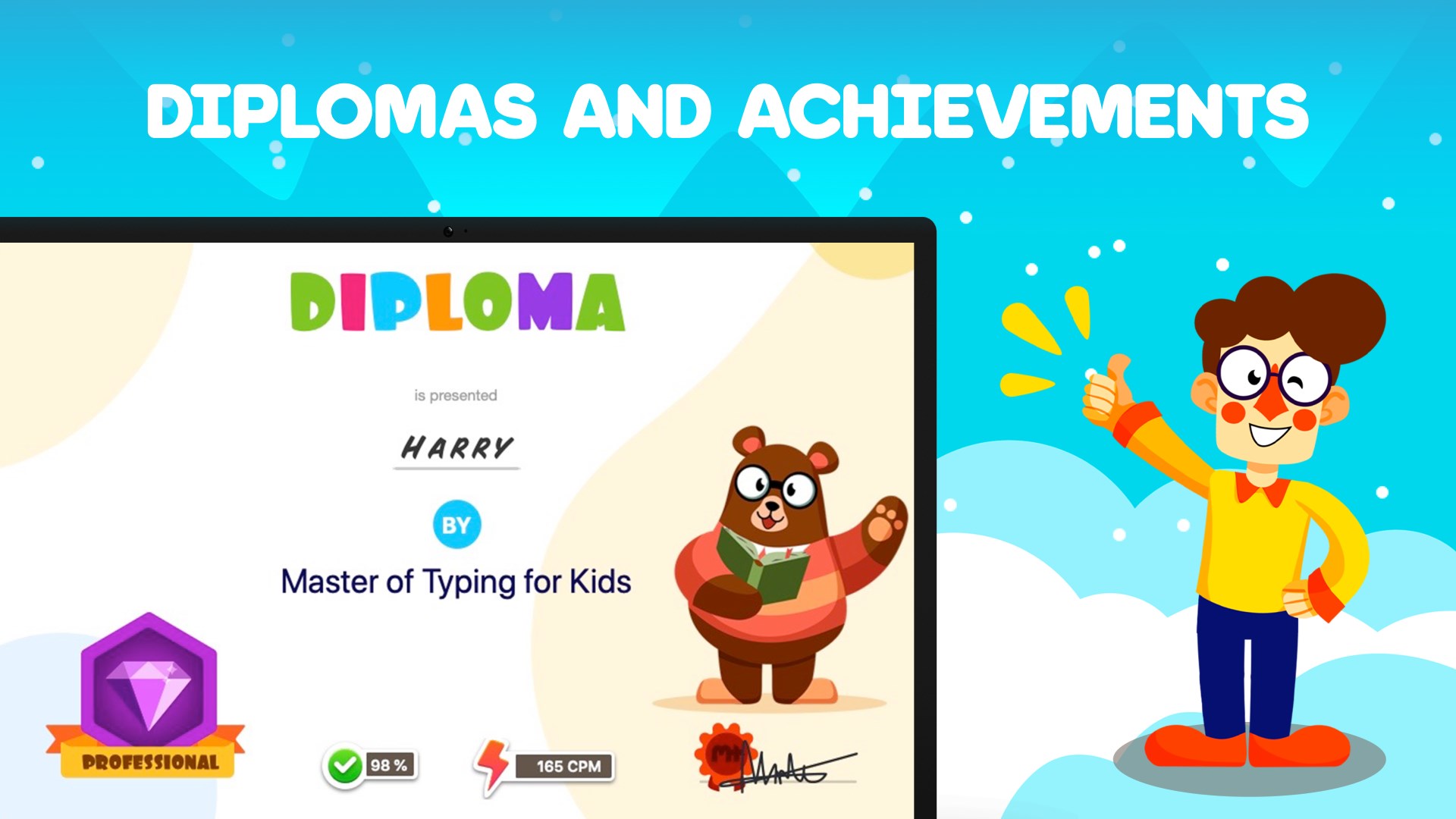
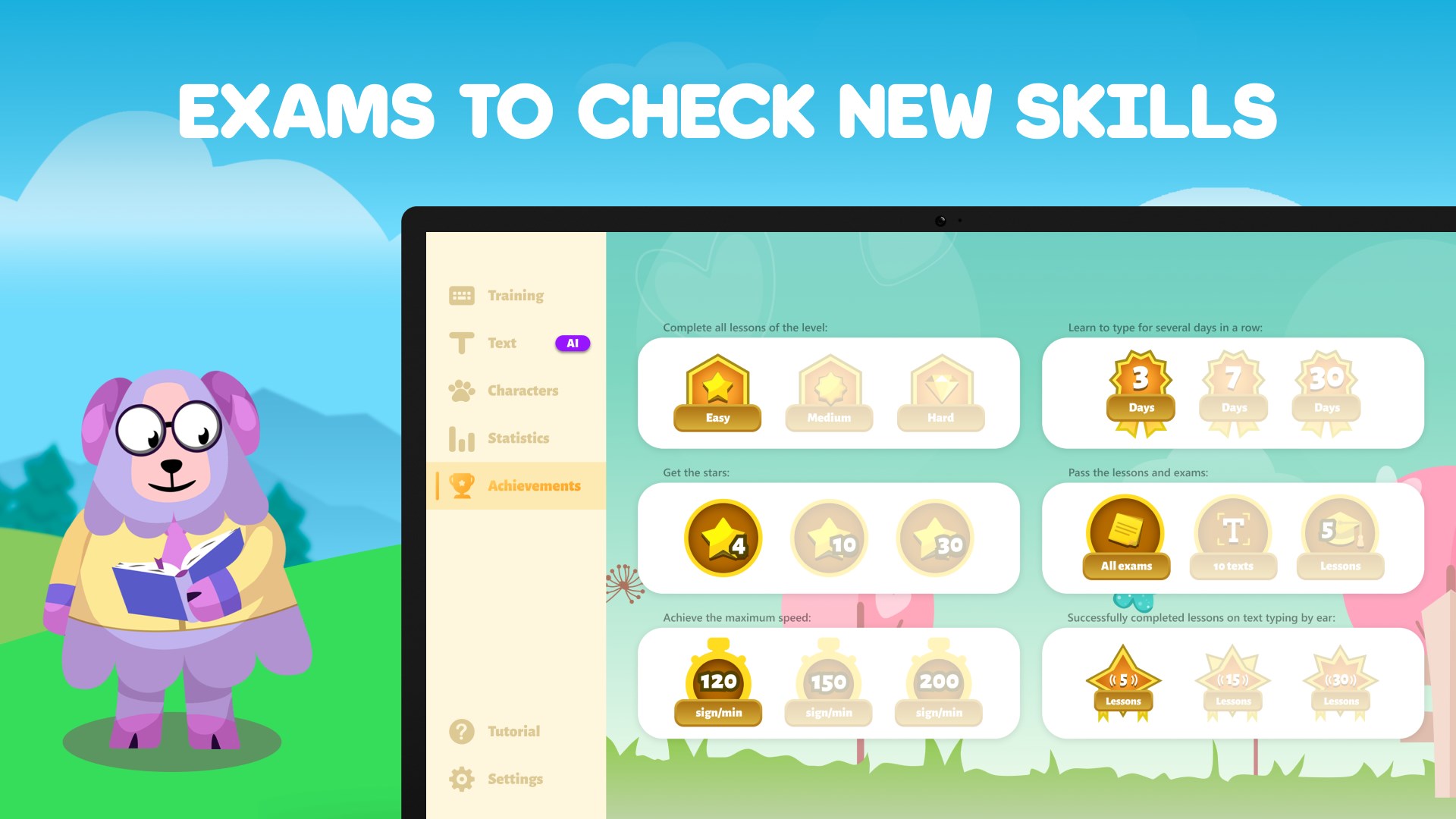
- Skill Assessment Exams: Three distinct exam levels allow parents and educators to track improvements in both typing speed and accuracy.
Tailored for Independent Home Learning
This software shines as a self-guided study tool. Because the interface is highly visual and the progression is logical, children can easily navigate the lessons independently. The gamified elements ensure that practicing keyboard skills feels less like a chore and more like an interactive challenge, making it an ideal addition to any home-learning routine.
Pros and Cons
Pros:
- Designed specifically for the developmental and cognitive needs of 7-12 year olds.
- Clear, visual finger-positioning guides.
- AI assistant adds a modern, interactive layer to learning.
Cons:
- Exclusively available for Windows users.
- Advanced levels and ad removal require upgrading to the Premium version.
Final Verdict
If you are looking to equip your child with a lifelong digital skill, Typing For Kids — Type words fast offers a robust, structured, and highly engaging environment to do so. It successfully transforms a tedious repetitive task into an enjoyable learning journey. To explore this tool further and start your child's typing lessons, check out the application on the official Microsoft Store today.